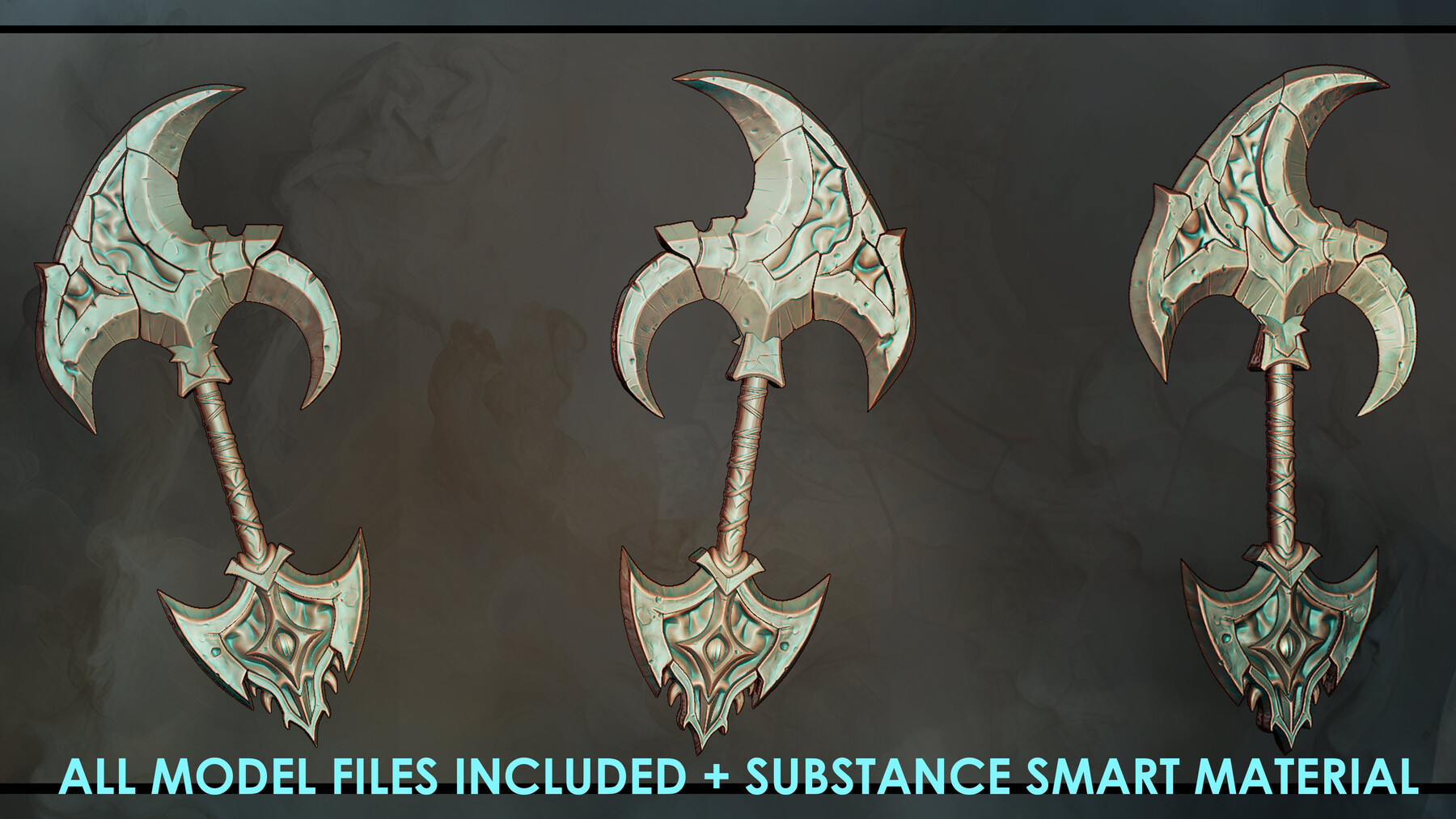
Stylized Game Weapon Course
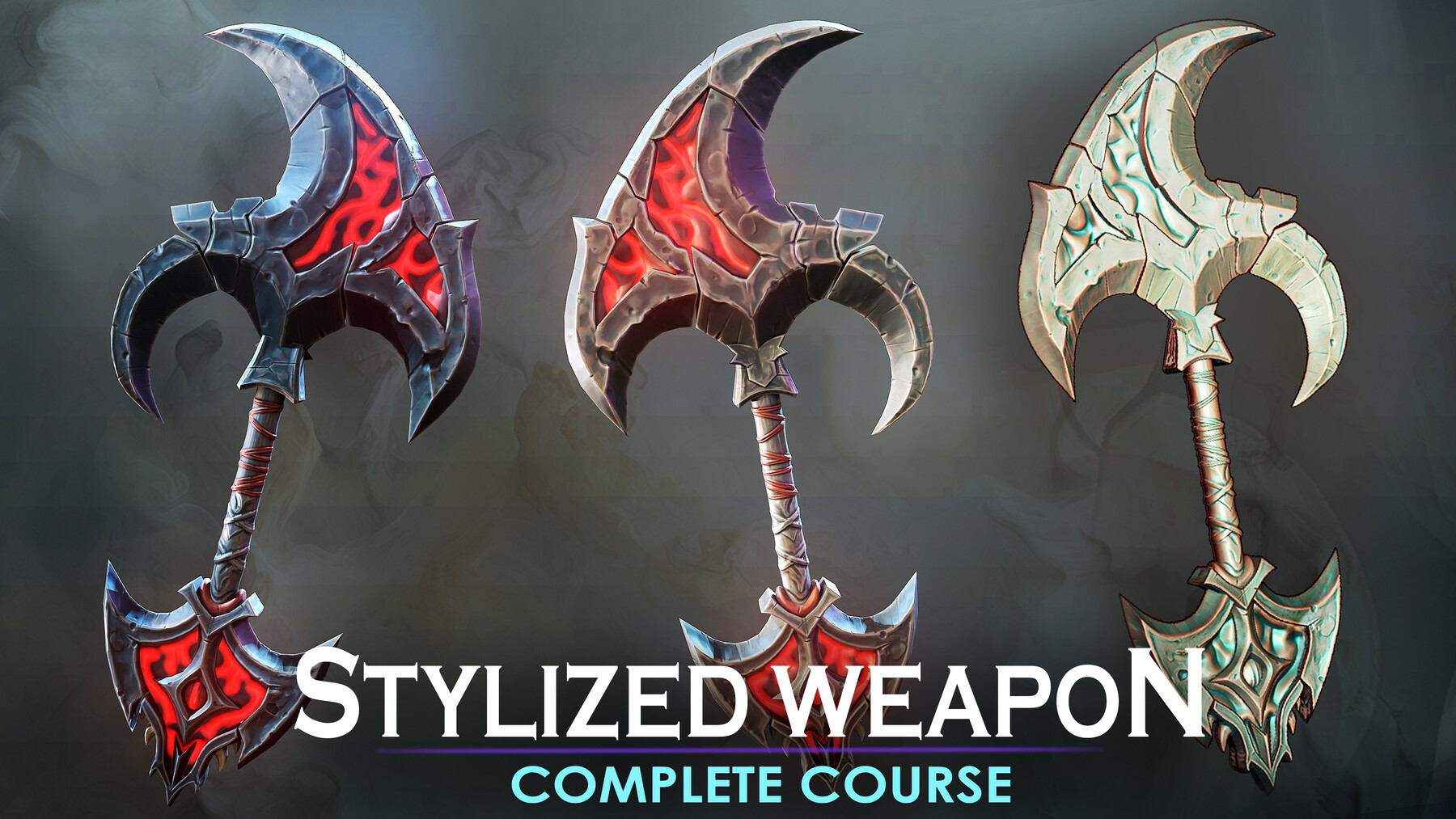
Stylized Game Weapon Course with Zbrush, Maya, and Substance Painter!
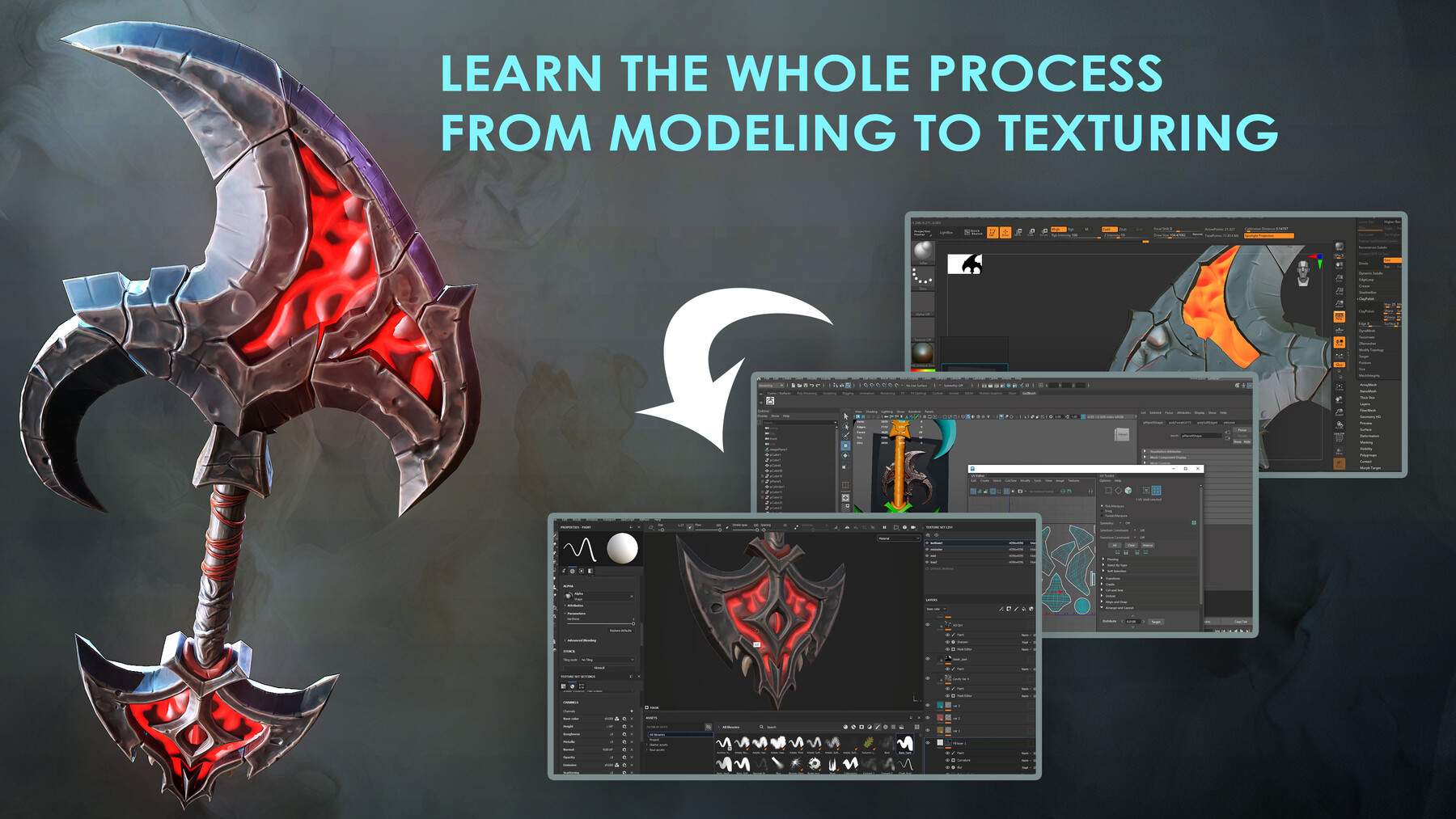
Dive into the world of game-ready weapon creation with this meticulously created course using industry-leading tools such as Maya, ZBrush, and Substance Painter. This comprehensive course guides you through the process of modeling, sculpting, UV mapping, and texturing, providing you with the essential skills to bring your weapons to life.

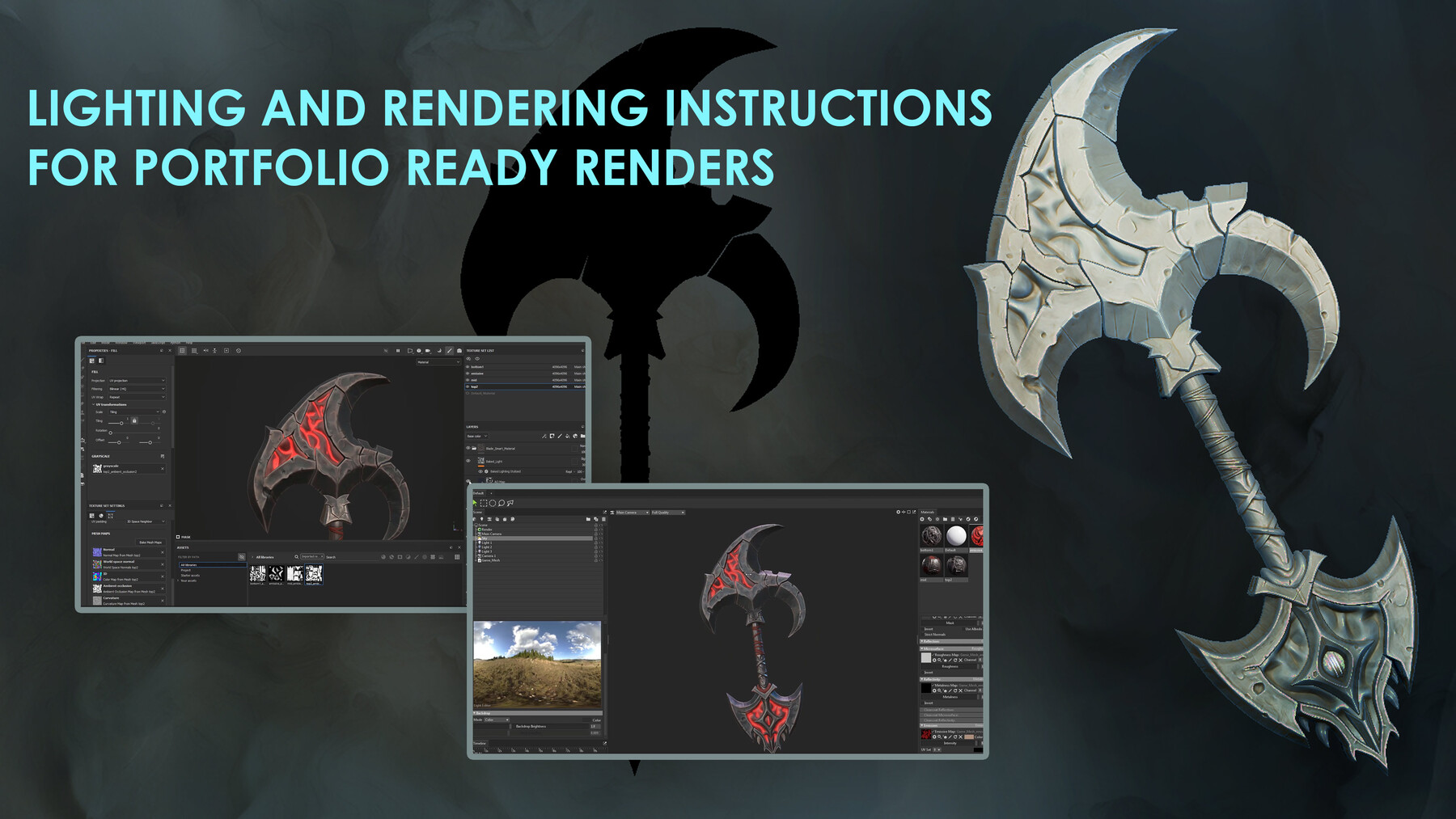
But the journey doesn't stop there. Elevate your creations to the next level as you learn to use Marmoset Toolbag to create portfolio ready renders.

Unleash your creativity and enhance your model creation skills with this stylized course. Whether you're a beginner or a seasoned artist, there's always room to refine your skills and craft extraordinary game assets!

Required Software:

  • Zbrush or equivalent.

  • Maya or equivalent.

  • Substance Painter.

  • Marmoset Toolbag(optional for rendering).

Instructor: Daniel Da Costa


WHY WAIT?  START NOW!


License: course videos are for educational purposes and cannot be included in an asset pack or sold at any sort of asset/resource marketplace. Model files can be used on personal and commercial projects, but cannot be included as a standalone file or asset pack at any sort of asset or marketplace store. 


Standard Use License
$19.99
License: Standard License
Stock Assets

For personal use and one commercial project (up to 2,000 sales or 20,000 views).

Tutorials

One copy to be used by a single user.

Installable Tools

One installation by a single user.

Learn More
Files (33)
Files
zip /
1.2 GB
Concept Art
png /
450 KB
01 - Introduction
mov /
61 MB
02 - Getting Started(cc)
mp4 /
600 MB
03 - Initial Blade Blockout(cc)
mp4 /
560 MB
04 - Continued Blade Blockout(cc)
mp4 /
820 MB
05 - Continuing Top Blade Basic Shape(cc)
mp4 /
1000 MB
06 - Finding The Way
mp4 /
170 MB
07 - Finishing Top Blockage
mp4 /
210 MB
08 - The Other Parts
mp4 /
180 MB
09 - Creating New Ornament
mp4 /
150 MB
10 - Blocking Bottom Part
mp4 /
160 MB
11 - Continuing Bottom Part
mp4 /
150 MB
12 - Slow Process
mp4 /
190 MB
13 -Adding the Teeth
mp4 /
180 MB
14 - Adding The Strips
mp4 /
80 MB
15 - Finishing The Blockout
mp4 /
150 MB
16 - Openning The UVs
mp4 /
160 MB
17 - Sendint to ZBrush
mp4 /
86 MB
18 - Sculpting The Highpoly
mp4 /
95 MB
19 - Continuing The Highpoly Example
mp4 /
110 MB
20 - Sculpting The Bottom Part
mp4 /
160 MB
21- Sculpting The Handle
mp4 /
180 MB
22 - Final Highpoly
mp4 /
160 MB
23- Fixing The Retopology
mp4 /
300 MB
24 - Organizing the UVs
mp4 /
300 MB
25 - Bakes Explanation
mp4 /
97 MB
26 - Checking the Bakes
mp4 /
83 MB
27 - How To Create Smart Materials
mp4 /
160 MB
28 - Texturing the Strips
mp4 /
81 MB
29 - Finishing The Texture
mp4 /
76 MB
30 - Refining The Occlusion
mp4 /
140 MB
31 - Conclusion and Marmoset Presentation
mp4 /
76 MB